
Inside the Machine: Grades 1 to 2
What is inside a computer, what every part does, and the safe fixes a kid can try. Tap-only, read aloud.
Free, start to finish. No card. Every week opens without signing in.
- Grade
- Grades 1 to 2
- Length
- 12 weeks
- Pace
- 6 short lessons a week, about 15 minutes each
- Price
- Free, every week
About this course
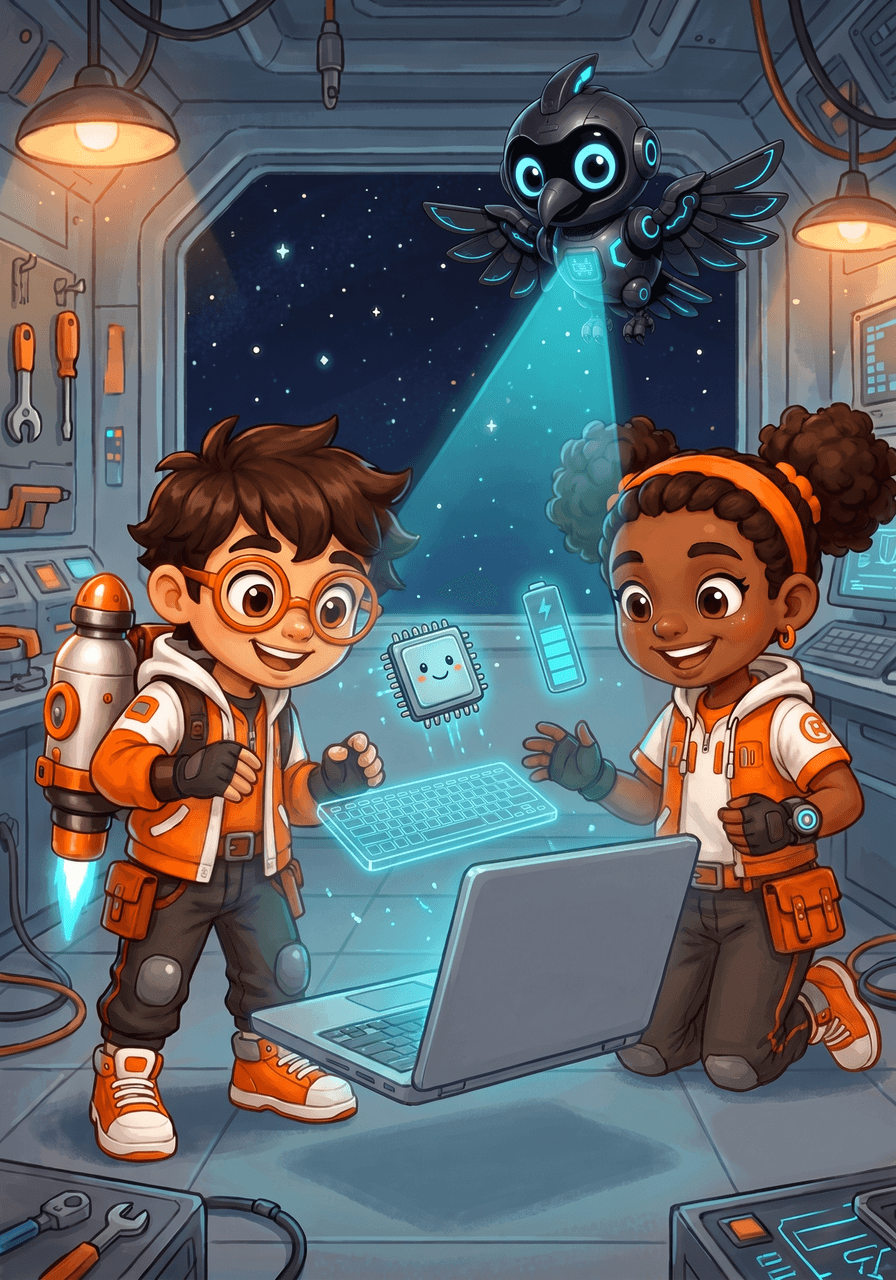
Inside the Machine for Grades 1 to 2 takes kids on a tour of the computers around them: laptops, tablets, phones and desktops. Over 12 weeks they learn what goes in (keyboard, mouse, touchscreen, microphone), what comes out (screen, speaker, printer), what the thinking part and the memory do, how Wi-Fi connects computers, and how to care for a device. In the Fix-It Bay with Rocket, Raven and Nova they practice saying a problem clearly and the four safe fixes a child may try with a grown-up nearby. Every lesson is read aloud and answered by tapping, with a daily Word Spot, and an offline Crew Quest each weekend.
Kids will
- Name the parts of a laptop, tablet, phone and desktop
- Sort devices into input (in) and output (out)
- Tell what the processor, memory and storage each do
- Explain what Wi-Fi and the internet connect
- Say a computer problem clearly and try the four safe fixes
- Take care of a device: clean hands, two hands, tidy cords, log off
The 12 weeks
-
Week 1
What is a computer?
A machine that follows instructions
-
Week 2
Telling the computer: input
Parts that send information in
-
Week 3
The computer talks back: output
Parts that send information out
-
Week 4
The thinking part
The processor follows instructions
-
Week 5
Remembering
Memory and storage
-
Week 6
Power up
Battery, charger and plug
-
Week 7
Screens and Sound
Brightness, volume and mute
-
Week 8
Apps Are Instructions
Software is a list of steps
-
Week 9
Computers Talk to Each Other
Wi-Fi, the internet and packets
-
Week 10
Fix-It Bay
Say the problem, try a safe fix, know when to ask
-
Week 11
Taking Care
Clean hands, tidy cords, private passwords
-
Week 12
Crew Technician
A tour of every part, and a badge to earn
More in Code Crew
Try Week 1 today.
Open the course, pick Day 1 and go. Make a free parent account when you want progress saved for each kid.