
Code Crew Grade 2
Bridge to Grade 3. Functions, variables, and the first bug-hunts of your kid's coding life.
Free, start to finish. No card. Every week opens without signing in.
- Grade
- Grade 2
- Length
- 12 weeks
- Pace
- 6 short lessons a week, about 15 minutes each
- Price
- Free, every week
About this course
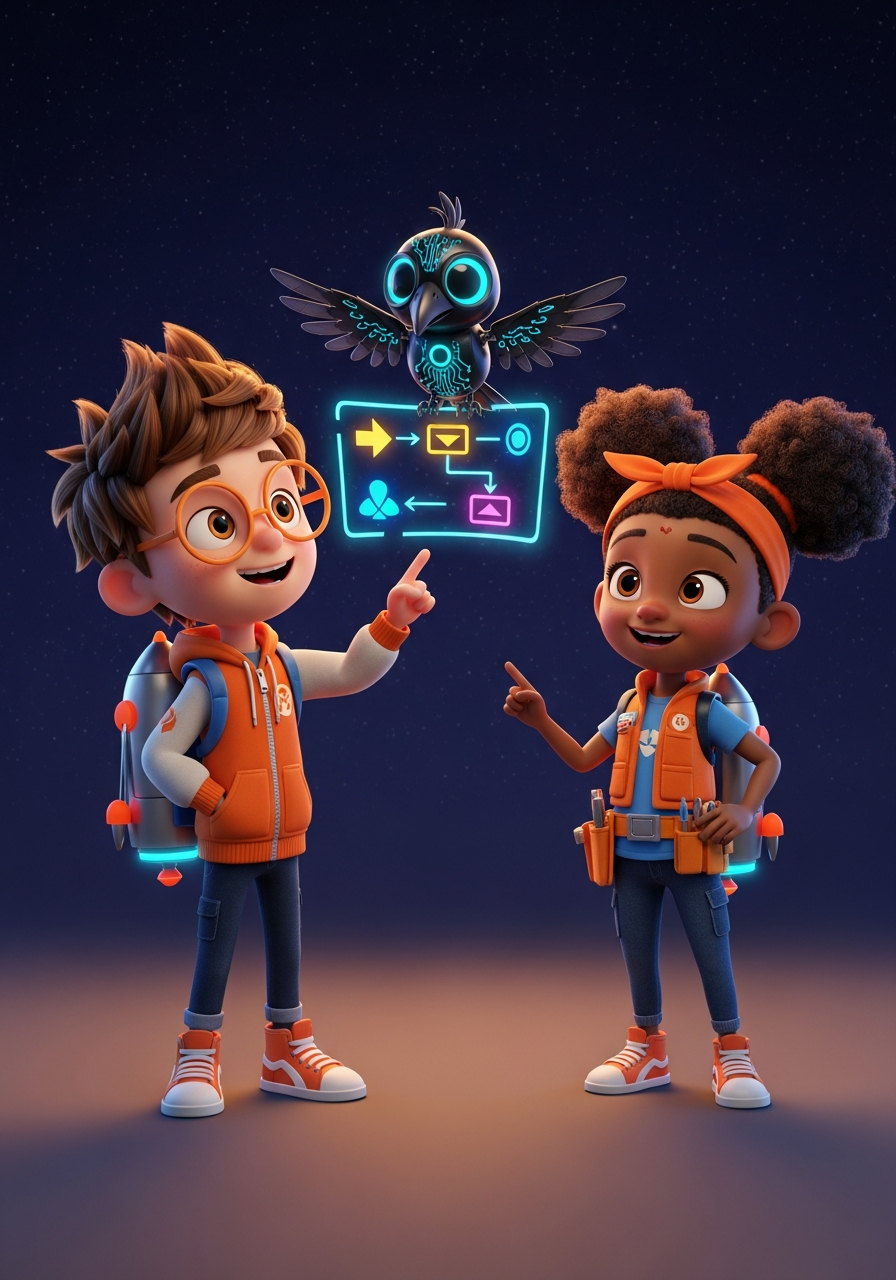
Code Crew Grade 2 introduces memory boxes (variables), counted loops, checks (if, then, otherwise) and named jobs (functions). Kids read every program line and answer by tapping, with zero typing required. The mystery: the fleet's auto-pilot makes every test ship drop at the same spot. Over 12 weeks kids collect clues, learn a real bug-hunt method, find the one wrong word, and ship the fix.
Kids will
- Use a memory box (variable) to store and change a number
- Use a counted loop, including one counted by a box
- Compare a box with a number and choose a path (if, then, otherwise)
- Name a job (function) and run it again with do
- Read an 8 to 10 line program and predict what it will do
- Find a bug step by step with a logbook
The 12 weeks
-
Week 1
Memory and the Missing Bug
A memory box holds one number
-
Week 2
Two Boxes, One Ship
Copy one box and lower another
-
Week 3
Count With a Box
A steps box counts every round
-
Week 4
Loop Logbooks
Track a box through every lap
-
Week 5
Is It Over?
A check asks a question about a box
-
Week 6
This Way or That Way
One check, two paths
-
Week 7
Name a Job
A job is lines with a name
-
Week 8
Jobs That Use Boxes
A job can read and change a box
-
Week 9
Read Ten Lines
Read a long program in chunks
-
Week 10
The Bug-Hunt Method
Four steps to find a bug
-
Week 11
Find the Auto-pilot Bug
The check reads the wrong box
-
Week 12
Ship the Fix
Fix the bug, test it, graduate
More in Code Crew
Try Week 1 today.
Open the course, pick Day 1 and go. Make a free parent account when you want progress saved for each kid.